


Ideas
This page represent the style guide for all the features of this custom theme.
A Page Title (rendered as an h1 tag)
Heading Level 2 (rendered as an h2 tag)
Heading Level 3 (rendered as an h3 tag)
Heading Level 4 (rendered as an h4 tag)
Standard html tags for headings 2 and 3, paragrah tags, and unordered lists can be added to any page without being wrapped inside any containers.
- List item 1 feature on your website
- List item 2 feature on your website
- List item 3 feature on your website
Responsive Image Example
The responsive image below requires two different images to optimize the page weight for the customer. The images must be a 2:1 ratio. The smallest is 600 x 300 and the largest is 1600 x 800.
Here are three sample image names that I used:
- hero-cabin-600.webp
- hero-cabin-1600.webp
The text over the image below comes in two styes. Black text with a white opaque graident over the photo, or white text with a black opaque gradient over the photo. You simply add the class of white or the class of black to the span tag.


Information Card1 Examples
These cards demonstrate the options for the class of “card1”. There are several prestyled parts that can be added to design a card to suite your needs.
Cards are built using a section tag.
The pieces of a card include:
- An h5 tag for the card title.
- A small image with a class of “icon” sized at 60 by 60 and it will bounce on mouse hover.
- Paragraph tag used for descriptive text.
- Anchor tag that links to another page on the site.
- An image with a class of “photo” sized at 350 wide x 350 tall. This image will automatically be rounded.
- b tag used for small bold items
- h6 tag with grey text and a light grey background.
Example of Card 1
 Example of a b tag
Your typical paragraph tag good for email, web surfing.
- This is an ul tag with li sub items
- Free Gigaspire Router
- Free App to control all connected devices
$80/month (using h6)
Card Title h5
Text as h6

Progressively coordinate equity invested technology whereas high-payoff.
A standard paragraph tag with a class of pop assigned.
Card Title
Dramatically reinvent parallel value through adaptive relationships. Progressively.
Card Title
Dramatically reinvent parallel value through adaptive relationships. Progressively.
More InformationCard 2 Download Link Example
These download cards demonstrate the options for the class of “card2”. You can use an h5 tag for the name of the download and an optional paragraph tag to describe the download. On mouse hover there is an animation on the arrow.
Title of Download
An optional paragraph of sample text can go here.
Title of Download
An optional paragraph of sample text can go here.
Card 3 examples (grid-2)

Card 4 examples
This card features an image that will fill the height of the card and gets cropped off on the sides to maintain a good design layout. Use a section with a class of card4 then inside that use an image and below that a division. These two elements will be stacked on small screens and side by side on smaller screens.

Ullamcorper nibh rhoncus ut augue finibus est magnis nisi condimentum vivamus tempor
Gravida massa risus maximus pellentesque parturient consectetuer consequat amet velit faucibus fermentum
Options and PricingCard 5 examples (grid-3)
“As a family of 4, with school aged children, we have struggled with other providers. We truly can’t express how thankful we are to have Connects now. It’s truly a game changer.”
Link to Somewhere“As a family of 4, with school aged children, we have struggled with other providers. We truly can’t express how thankful we are to have Connects now. It’s truly a game changer.”
Link to Somewhere“As a family of 4, with school aged children, we have struggled with other providers. We truly can’t express how thankful we are to have Connects now. It’s truly a game changer.”
Link to Somewhere“As a family of 4, with school aged children, we have struggled with other providers. We truly can’t express how thankful we are to have Connects now. It’s truly a game changer.”
Link to SomewhereCard 6 examples (grid-2)
We provide more than just high-speed internet. Discover our additional offerings.
Explore More InformationWe provide more than just high-speed internet. Discover our additional offerings.
Explore More InformationWe provide more than just high-speed internet. Discover our additional offerings.
Explore More InformationWe provide more than just high-speed internet. Discover our additional offerings.
Explore More InformationLINK Examples
In the examples below, there are two different ways to style anchors.
Drop us a line with a class of buttonDrop us a line with a class of biglink
Info Graphics
You can create images in Photoshop that look like inforgraphics. Build these images at 1000px wide by any height you want. Save it as a webp file. Insert these using a standard image tag with a class of ‘infoimage’ and they should render like this.
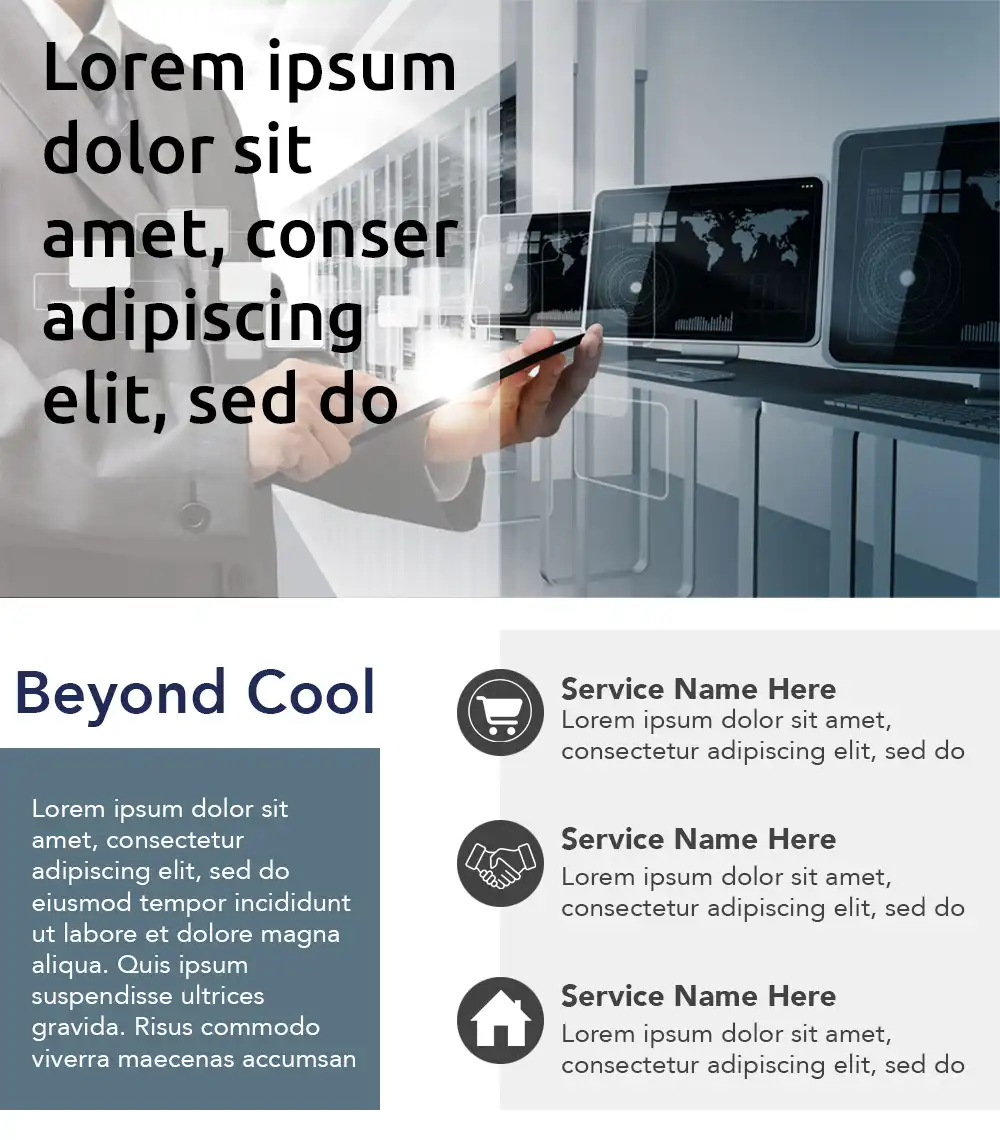
If you simply change the class from ‘infoimage’ to “heroimage”, then it becomes full screen width.

Ticker Examples
Add a class of ticker and a class of speed1 through speed5 depending on how long the ticker message is. Here are some examples.
Speed 1 class. Used for news items of 100 to 150 letters like this example you are seeingab.
Speed 2 class. Used for news items of 100 to 150 letters. Torquent justo pede massa dapibus platea viverra nam odio molestie.
BARC Connects customers: we are currently experiencing internet issues with our transport circuit. We are aware of this issue and are actively looking into resolving.
Speed 4 class. Used for news items of 200 to 250 letters where you need to communicate even more information than the previous example. It could contain descriptions & colors. Torquent justo pede massa dapibus platea 2we34 45
Speed 5 class. Used for news items of 250 to 300 letters where you need to communicate even more information than the previous example. It could contain descriptions & colors. Torquent justo pede massa dapibus platea viverra nam odio molestie fusce gravida potenti himenaeos.